# Introduction

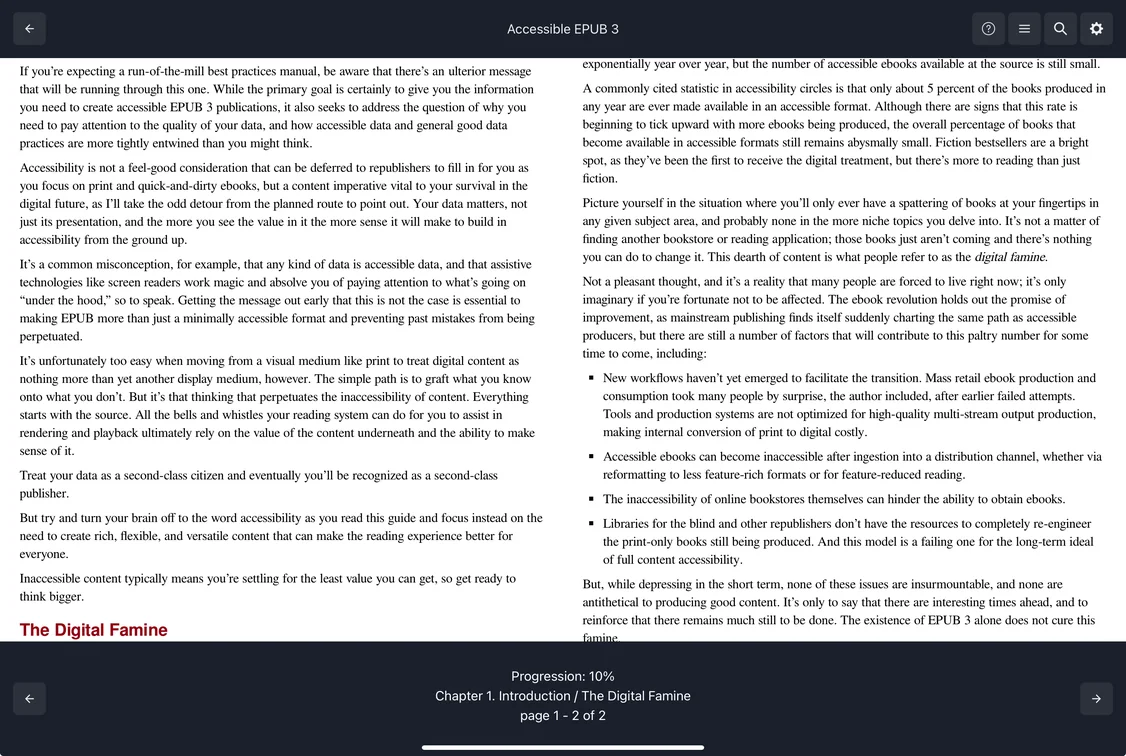
Welcome to the `prose` documentation. Prose is an open source and free **Reading System SDK** to display epub and general archives (zip, cbz, cbr, etc) on the browser.
<figure><img src="https://1612665676-files.gitbook.io/~/files/v0/b/gitbook-x-prod.appspot.com/o/spaces%2FU4ELifaGR74ZeXlYiTx2%2Fuploads%2F8LgMZuQRHbp3khfp4f2T%2Fprose%20reader%20demo.png?alt=media&#x26;token=7040529e-3a0e-42ec-8e6d-c2d095f14f49" alt="" width="563"><figcaption></figcaption></figure>

It is similar to what powers apps like Kindle, Kobo and other reading app alike. Unlike proprietary engines, this one is **free and made for the community**. It is designed to allow plugins and extends functionalities easily.

{% hint style="success" %}
In a nutshell, a reading system SDK will let you design your own reader the way you want while not having to deal with the complicated parts such as rendering, pagination, navigation, annotations, etc.
{% endhint %}

This engine is web based. As long as you can render html, js and css you are good to go. Visit our [react-native](https://doc.prose-reader.com/react-native "mention")section to see how it can be used in mobile apps.


---

# Agent Instructions: Querying This Documentation

If you need additional information that is not directly available in this page, you can query the documentation dynamically by asking a question.

Perform an HTTP GET request on the current page URL with the `ask` query parameter:

```
GET https://doc.prose-reader.com/get-started/introduction.md?ask=<question>
```

The question should be specific, self-contained, and written in natural language.
The response will contain a direct answer to the question and relevant excerpts and sources from the documentation.

Use this mechanism when the answer is not explicitly present in the current page, you need clarification or additional context, or you want to retrieve related documentation sections.
