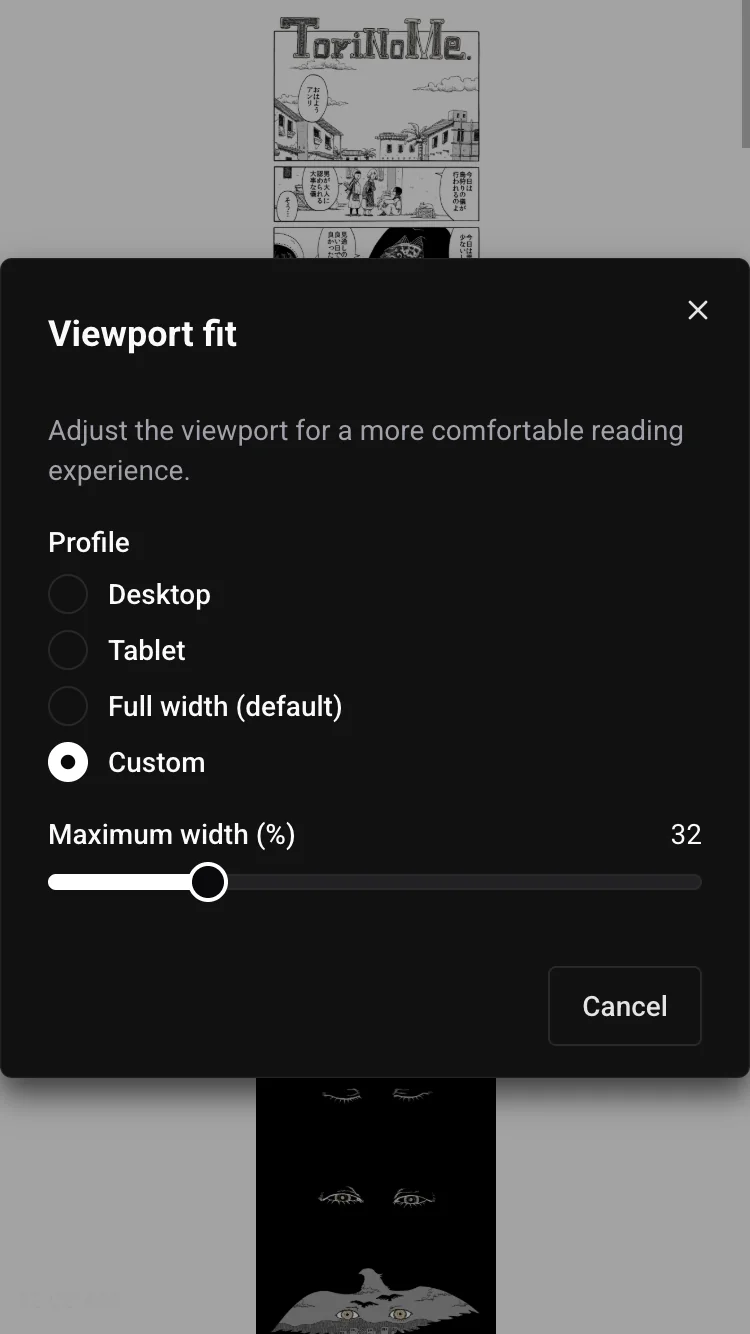
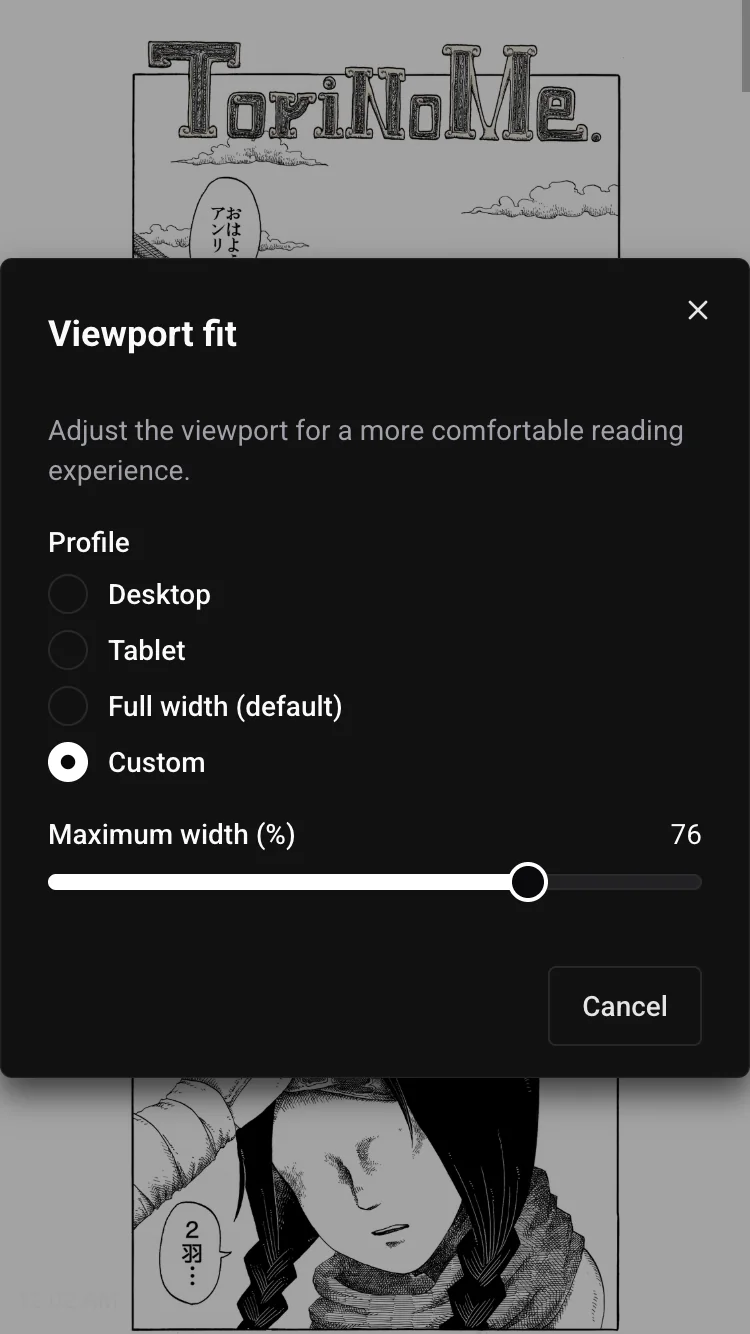
Refit enhancer
Install @prose-reader/enhancer-refit and set refit.viewportFit when you create the reader, to narrow the viewport of a scrolled book to a tablet width.
This enhancer gives you a convenient way to let the user refit the viewport for better reading experience. For example by reducing the viewport width to see more pages at once on scrolling mode.
Getting Started
Section titled “Getting Started”npm install @prose-reader/enhancer-refit @prose-reader/core rxjsConnect the enhancer to your reader:
import { refitEnhancer } from "@prose-reader/enhancer-refit"
const createAppReader = refitEnhancer(createReader)
const reader = createAppReader({  manifest,  refit: {    viewportFit: "tablet"  }})